Ordrerne leveres typisk til inden for , afhængig af lokation.
Gratis levering til på ordrer med mindst kr. 340 Et leveringsgebyr på kr. 135 faktureres for alle ordrer mindre end kr. 340.
UPS eller FedEx fragt forudbetalt: DDP (Told og afgifter betales af DigiKey)
DHL fragt forudbetalt: CPT (told, afgifter og moms betales ved levering)
Credit account for qualified institutions and businesses
Payment in Advance by Wire Transfer
![]()
![]()
![]()
![]()


Flere produkter fra fuldt autoriserede partnere
Gennemsnitlig forsendelsestid på 1-3 dage. Der kan være pålagt ekstra gebyrer på forsendelsen. Se produktsiden, indkøbskurven og kassen for at se den faktiske forsendelsestid.
Incoterms: CPT (told og moms forfalder på leveringstidspunktet)

For mere information, besøg Hjælp og support
In this tutorial, we'll provide a quick rundown of each part in the kit, to help reinforce your understanding of the component. For some parts, we'll include an example application, in case you're in need of a circuit to plug your new toys into.
In this tutorial, we'll discuss how the time is set with the on board six DIP switch and use a microcontroller to turn it off when a task is finished.
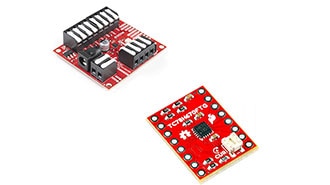
SparkFun ProDriver and Mini Stepper Motor Driver utilize the latest TC78H670FTG stepper motor driver from Toshiba. With two different methods for control (serial communication or clock-in stepping) this is a great option for your next project that requires precise motor control.
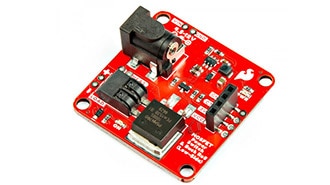
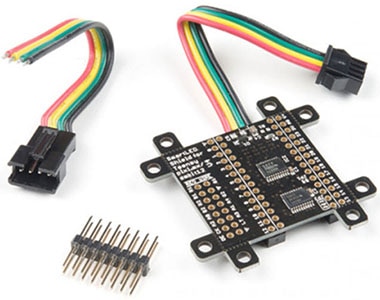
This tutorial will guide you through using the SparkFun MOSFET Power Switch and Buck Regulator (Low-Side) with your Arduino projects.
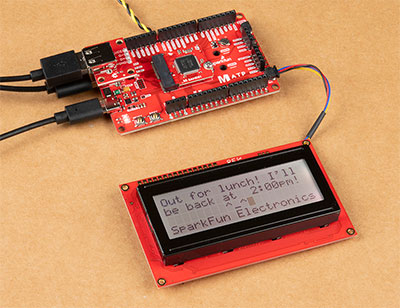
To help notify others of where I may be, I made the Qwiic-enabled digital desk sign using the SAMD51's USB host and a USB keyboard to type short custom messages while I am away!
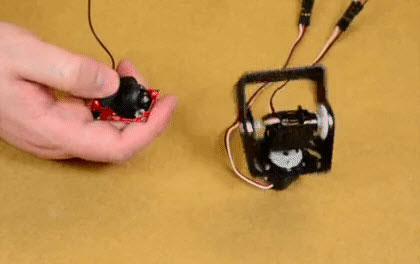
We will cover some basics of controlling servos with code using the Arduino IDE and Python, and provide an example that requires no programming at all.
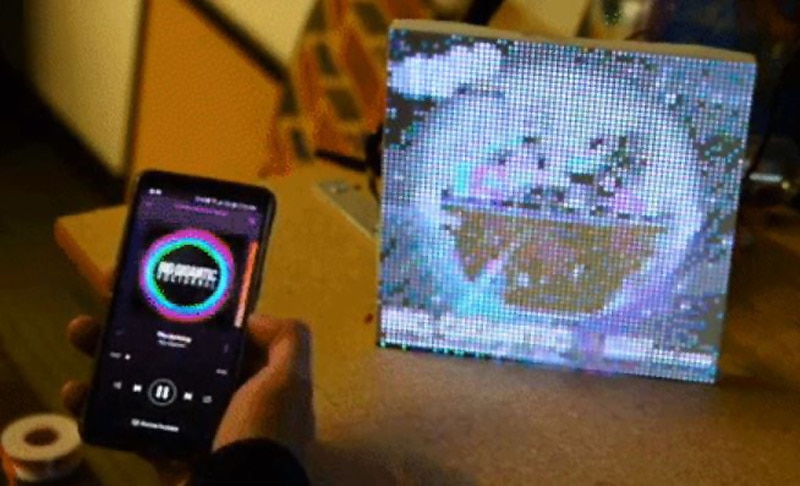
In the past couple weeks I've been experimenting with LuMini Rings and RGB Matrix Panels. Some interesting examples to make them really pop.
Knock out your next design with a colorful LED Matrix display that can make designing easier with moving RGB LEDs built into a cost effect panel.
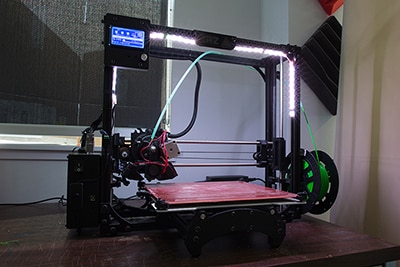
In this tutorial, we will be using a LED strip to light up the print bed on a LulzBot 3D printer!
This tutorial will show you how to connect, power, and control the LED segments with an Arduino.
Tak!
Hold øje med din indbakke for nyheder og opdateringer fra DigiKey!
Indtast en e-mailadresse
Accepter venligst afkrydsningsfeltet