Ordrerne leveres typisk til Danmark inden for 48 timer , afhængig af lokation.
Gratis levering til Danmark på ordrer med mindst kr. 340 Et leveringsgebyr på kr. 135 faktureres for alle ordrer mindre end kr. 340.
UPS eller FedEx fragt forudbetalt: DDP (Told og afgifter betales af DigiKey)
DHL fragt forudbetalt: CPT (told, afgifter og moms betales ved levering)
Kreditkonto for kvalificerede institutioner og virksomheder
Forudbetaling via bankoverførsel
![]()
![]()
![]()
![]()


Flere produkter fra fuldt autoriserede partnere
Gennemsnitlig forsendelsestid på 1-3 dage. Der kan være pålagt ekstra gebyrer på forsendelsen. Se produktsiden, indkøbskurven og kassen for at se den faktiske forsendelsestid.
Incoterms: CPT (told og moms forfalder på leveringstidspunktet)
For mere information, besøg Hjælp og support
Create your own Raspberry Pi intrusion detector by logging all successful and failed SSH, local, and VNC login attempts to detect suspicious access activity.
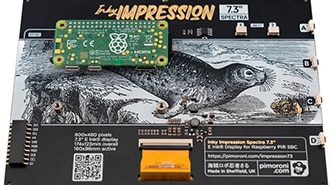
Learn how to install and get started with Inky Impression.
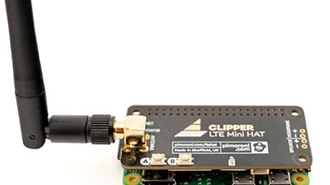
Learn how to get Clipper HAT Mini set up with Raspberry Pi OS.
Say goodbye to online ads! Learn how to install and configure Pi-Hole on a Raspberry Pi for network-wide ad blocking on all devices.
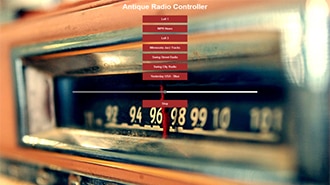
Learn how to retrofit a vintage radio with a Raspberry Pi to stream internet radio and play Bluetooth audio while preserving its original design & sound quality.
Worn on a lanyard or clipped to a pocket or pack, this adorable camera snaps a photo every few seconds. Slide the SD card into your computer to review the day’s activities or merge all the images into a timelapse animation.
Access your headless Raspberry Pi desktop from any computer on the same network using VNC. Follow our guide to get started.
Learn how to schedule tasks effectively on your Raspberry Pi using cron and shell scripts. Automate routine processes for improved efficiency and reliability.
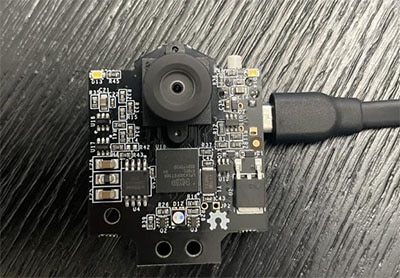
Elevate your projects to new heights with PixyCam2, an ingenious mini camera that adds a new dimension of sight.
Docker made easy: Beginner's guide to Docker GUI and command line. Install and run containerized apps effortlessly. Maximize your Raspberry Pi's potential!
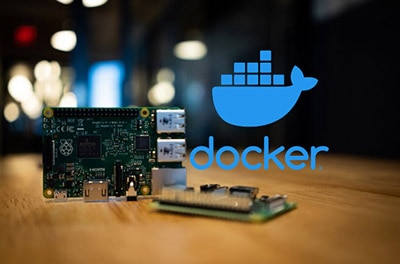
Effortless Docker setup on Raspberry Pi: Learn how to install and configure Docker for efficient project management. Empower your projects with containerization.
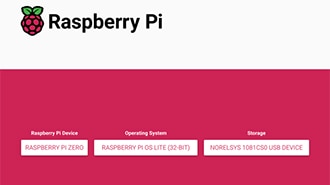
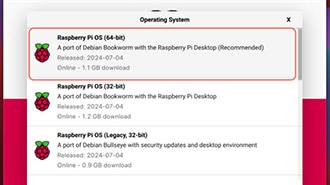
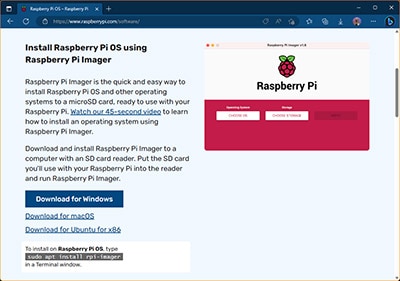
When starting out with a new Raspberry Pi, the first step involves creating a bootable SD card that contains the tiny computer’s operating system and user files.
Tak!
Hold øje med din indbakke for nyheder og opdateringer fra DigiKey!
Indtast en e-mailadresse
Accepter venligst afkrydsningsfeltet